Prompt Engineering That Actually Works: A Practical Guide for Business
Stop getting generic AI outputs. Learn the iterative, test-driven approach to prompt engineering that turns AI from frustrating to reliable for B2B service businesses.
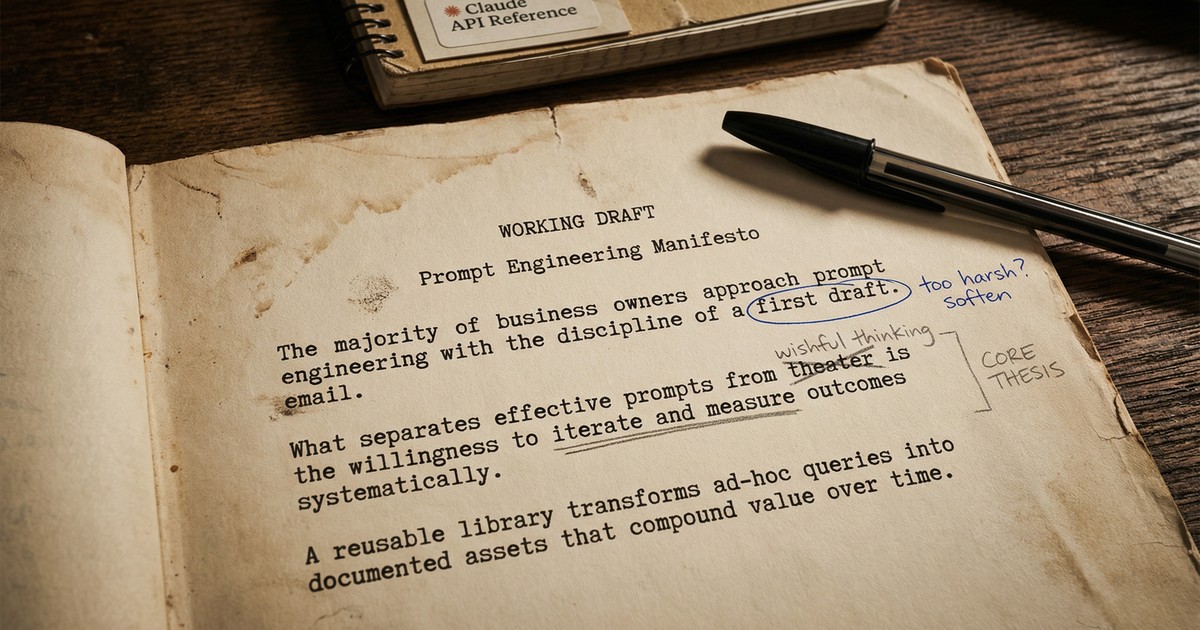
The Shortcut Problem
Most business owners expect AI to read their minds. Type a vague request, hope for brilliance, blame the technology when it doesn’t deliver.
I’ve seen this pattern repeat across dozens of client conversations. Someone tries ChatGPT or Claude for a business task, gets mediocre output, and concludes that “AI isn’t ready yet” or “it doesn’t understand my business.”
The problem is the prompt.
After building production AI systems that generate proposals, analyze sales calls, and automate client communications, I’ve learned that prompt engineering is about iteration, testing, and treating prompts like code.
Why Most AI Prompts Fail
Before we fix the problem, let’s understand what causes it. These five mistakes explain 90% of disappointing AI outputs.
1. Vague Instructions
Bad: “Write me something about marketing.”
Better: “Write a 300-word LinkedIn post about how B2B service businesses can use AI to automate proposal generation. Target audience: agency owners aged 35-55. Tone: professional but approachable. Include one specific example.”
Vague prompts force the AI to guess what you want. Specific prompts eliminate guesswork.
2. Missing Business Context
AI doesn’t know your company’s voice, your industry jargon, or your client relationships. You need to provide that context explicitly.
We learned this the hard way when implementing an automated email system for a client. The AI was generating technically correct emails, but they didn’t sound like the client’s brand at all. The fix was adding brand voice guidelines and example emails to every prompt.
3. Overloading Single Prompts
Asking AI to do five things at once leads to mediocre results on all five. Break complex tasks into sequential steps, where each prompt focuses on one thing.
Instead of: “Research this prospect, write an email, suggest a meeting time, and format it for our CRM.”
Try: Step 1: Research the prospect. Step 2: Draft the email using the research. Step 3: Format for CRM import.
4. No Format Specification
Do you want a paragraph, a bulleted list, a table, or JSON? If you don’t specify the format, you’ll get whatever the AI feels like generating.
Always include: “Return your response as [format] with [specific structure].“
5. One-and-Done Mentality
The biggest mistake is treating prompts as one-shot attempts. Effective prompt engineering requires iteration. Your first prompt will almost never be your final prompt.
The Iterative Approach: Test-Driven Prompting
Here’s what actually works: treat prompts like code. Build incrementally. Test against success criteria. Refine based on failures.
The TDD Loop for Prompts
Step 1: Define success criteria first.
What does “good” look like? Be specific. If you’re generating proposals, success might mean: “Includes company background, addresses their stated pain points, proposes a pilot project, and matches our brand voice.”
Step 2: Write the simplest prompt that might work.
Start basic. Don’t over-engineer from day one. You need to see what the AI produces before you know what to fix.
Step 3: Test against real examples.
Run your prompt with actual inputs from your business. Not hypotheticals. Real client names, real situations, real data.
Step 4: Identify failure modes.
Where does it break? Does it hallucinate facts? Miss the tone? Include irrelevant information? Fail on edge cases? Document every failure pattern you find.
Step 5: Refine and add specificity.
Each failure mode needs a fix. If the AI adds too much context about well-known companies, add: “Do not include publicly known information about the company.” If it sounds too formal, add example outputs that match your desired tone.
Step 6: Repeat until consistent.
Keep testing until you get reliable, predictable results across different inputs. This might take 5 iterations or 50. Don’t stop until you trust the output.
A Real Example: AI Hallucination Discovery
When building a client information system, we discovered that the AI was fabricating client relationships. It would confidently state that “Company X has been a client since 2019” when no such relationship existed.
The fix wasn’t obvious. We had to add explicit instructions: “Only include information that is explicitly provided in the input data. Do not infer or assume any client relationships. If information is missing, state that it is unknown.”
One prompt modification eliminated the problem entirely. But we only found it by testing with real data and catching the failure.
Six Techniques from Anthropic That Work
Anthropic’s prompt engineering documentation outlines techniques in order of impact. Here’s how to apply them in B2B contexts.
1. Be Clear and Direct
Explicit beats implicit. Don’t assume the AI understands what you want.
Before: “Help me with this proposal.”
After: “You are a proposal writer for a B2B AI automation consultancy. Write a proposal for a marketing agency that wants to automate their client reporting workflow. Include: problem statement (their words), proposed solution, timeline (4 weeks), investment (€5,000-€8,000 range), and expected ROI (hours saved per month).“
2. Use Examples (Few-Shot Learning)
Providing 2-3 examples of desired output dramatically improves consistency. This is particularly powerful for maintaining brand voice and handling edge cases.
Include both good examples and edge cases. Show the AI what you want and what to avoid.
3. Let It Think (Chain of Thought)
For complex decisions, tell the AI to reason step by step. This reduces errors in multi-step analysis.
Example: “Before generating the proposal, first list the client’s stated pain points from the meeting notes. Then identify which of our services addresses each pain point. Finally, write the proposal using only relevant services.”
4. Use Structured Tags
Separate context from instructions using clear delimiters. This makes prompts scannable and maintainable.
<context>
You are writing for a B2B AI consultancy.
Target audience: service business owners.
Tone: professional, direct, no jargon.
</context>

<input>
{client_meeting_notes}
</input>

<task>
Generate a follow-up email summarizing the meeting and proposing next steps.
</task>
5. Assign a Role
“You are a senior business analyst with 10 years of experience in B2B services” sets expectations for expertise level and communication style.
Match the role to the task. An email needs a different role than a technical analysis.
6. Chain Complex Tasks
Break big workflows into sequential prompts. Each step produces output that feeds the next step.
For lead research: Prompt 1 gathers company information. Prompt 2 identifies decision-makers. Prompt 3 drafts outreach messaging. Each prompt is simpler and more reliable than trying to do everything at once.
Building Your Prompt Library
Once you have prompts that work, document them. Version control them. Treat them as business assets.
For recurring tasks, create templates:
- Client onboarding questionnaire analysis
- Proposal generation from meeting notes
- Meeting summary extraction
- Lead qualification scoring
- Email response drafting
Test new prompts against the old before switching. A “better” prompt that breaks edge cases isn’t actually better.
Share working prompts across your team. Prompts that work for one person should work for everyone using the same inputs.
Measuring Prompt Performance
Define success metrics upfront:
- Accuracy: Does the output contain correct information?
- Consistency: Does it work 9 out of 10 times with different inputs?
- Tone: Does it match your brand voice?
- Completeness: Does it include all required elements?
Track time saved. If a prompt generates proposals that need 30 minutes of editing, compare that to manual creation time. The goal is net time saved, not perfection.
Know when to stop iterating. At some point, additional refinement has diminishing returns. If your prompt works 95% of the time, that’s probably good enough.
The Compound Effect
Good prompts compound over time. A proposal prompt that saves 2 hours per deal, used 50 times per year, saves 100 hours annually. Multiply that across email drafting, research, reporting, and other tasks.
The businesses that see 4-5x ROI from AI use well-engineered prompts.
Getting Started
Pick one workflow. One task you do repeatedly. Build one prompt using the iterative approach described above. Test it with real data. Refine until it works consistently.
Then move to the next workflow.
Ready to see how prompt engineering and AI automation can transform your operations? Schedule a free AI Readiness Assessment and we’ll show you exactly where to start.

Thom Hordijk
Founder
Get posts like this in your inbox every week
Weekly insights on AI and automation for B2B service businesses. No hype, just what works.
Related Articles
View all articles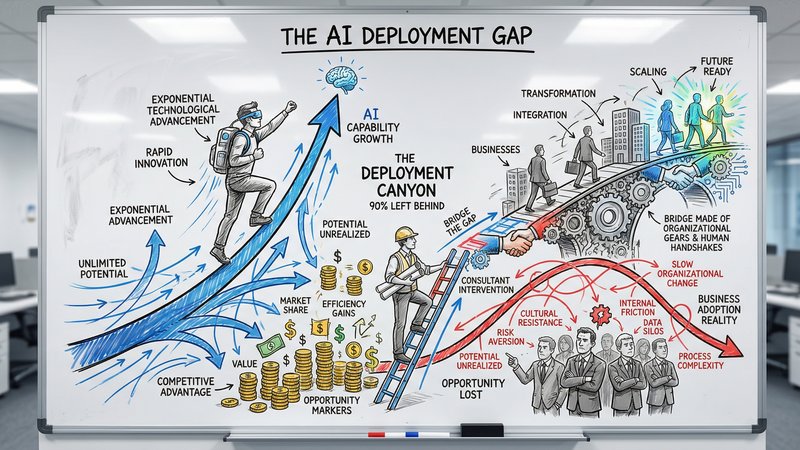
90% of Businesses Don't Use AI. That's the Opportunity.
90% of US businesses still don't use AI in production. The gap between capability and deployment is where the real opportunity lives for service businesses.

The Dark Side of Vibe Coding for Businesses
One year after the birth of vibe coding, the security incidents are adding up. Learn why speed without safety puts your business data at risk.
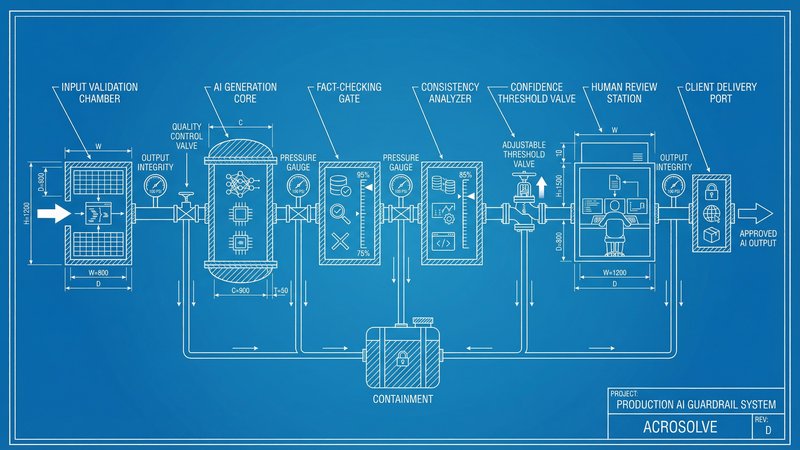
AI Reliability: The Missing Piece in Production Deployment
Only 31% of AI use cases reach production. The gap is not capability, it is reliability. Here is how to build AI systems your team and clients can actually trust.